The Ultimate
PolyTrack Collection
Discover, share, and master the best custom tracks.
What is PolyTrack?
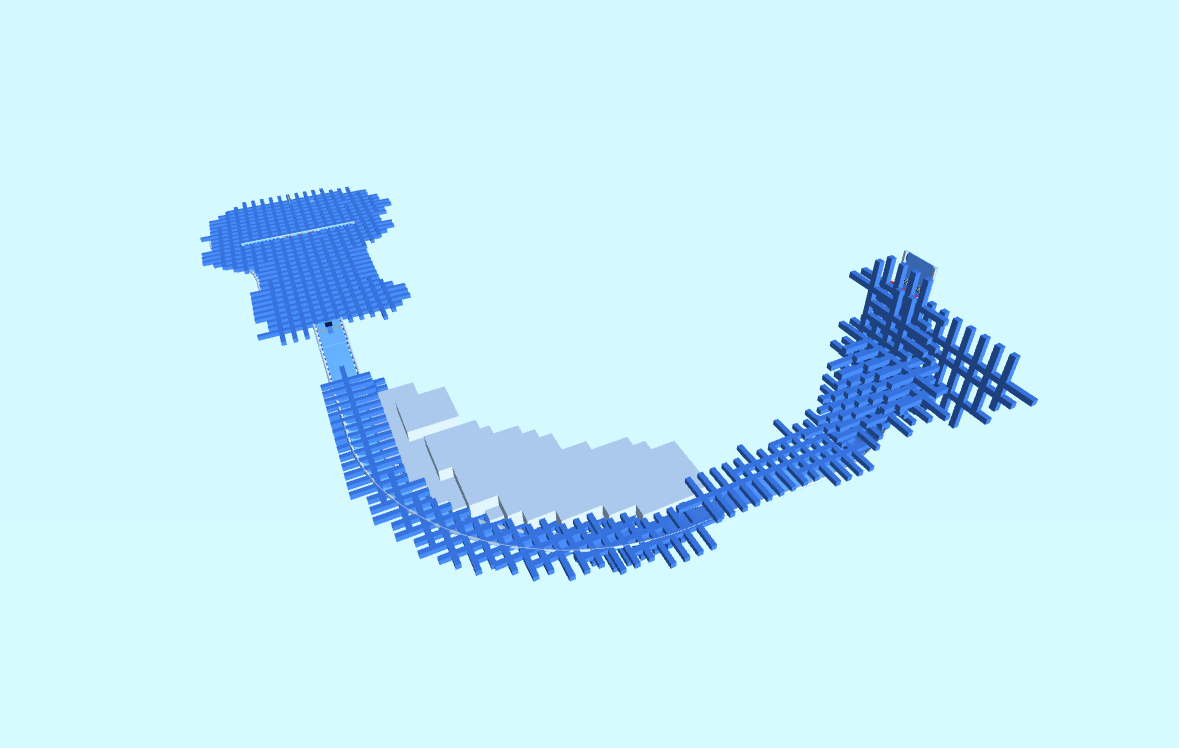
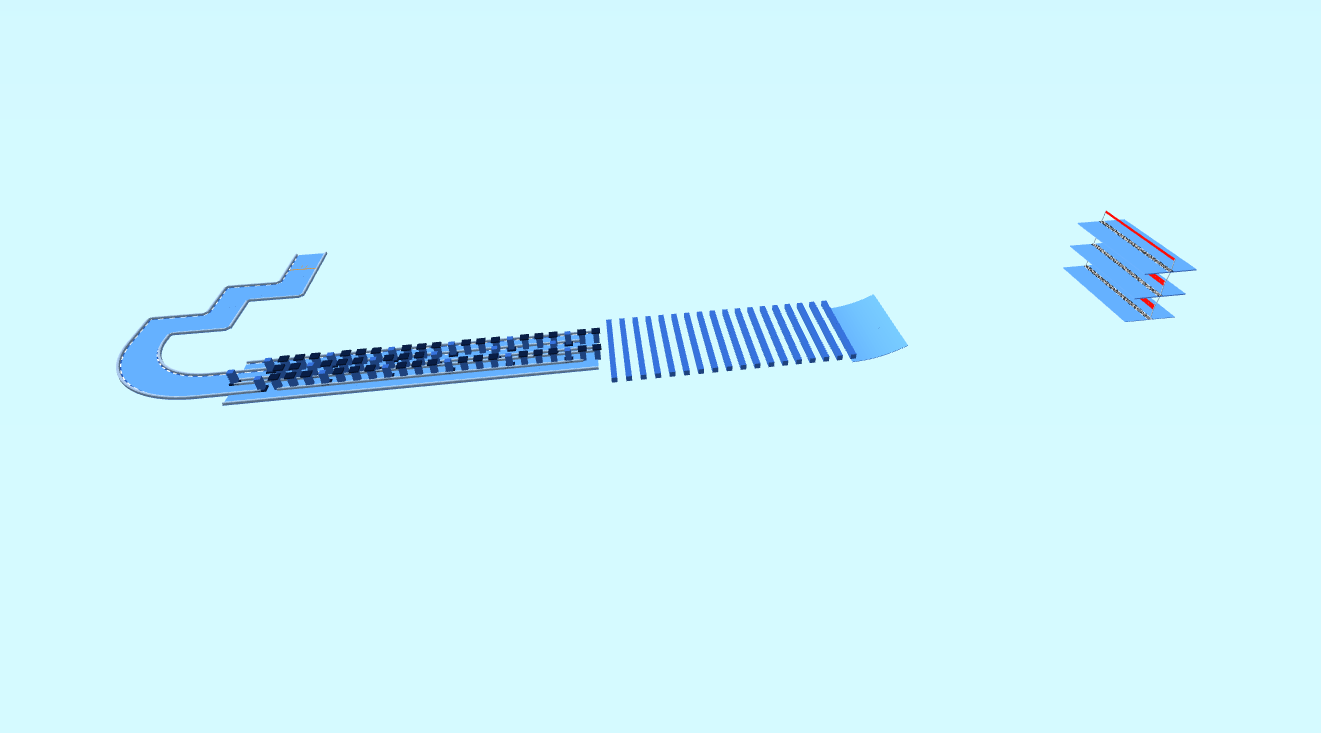
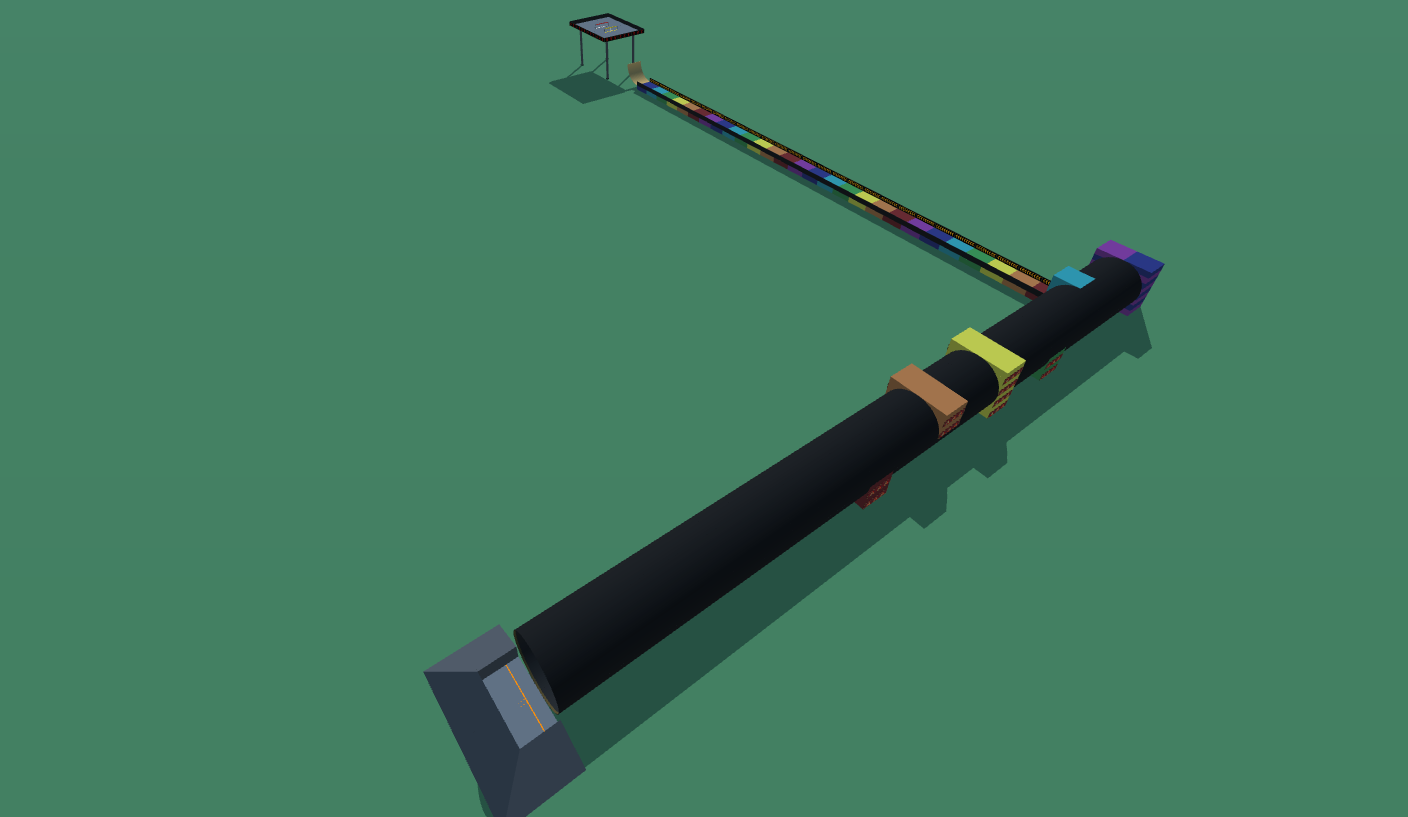
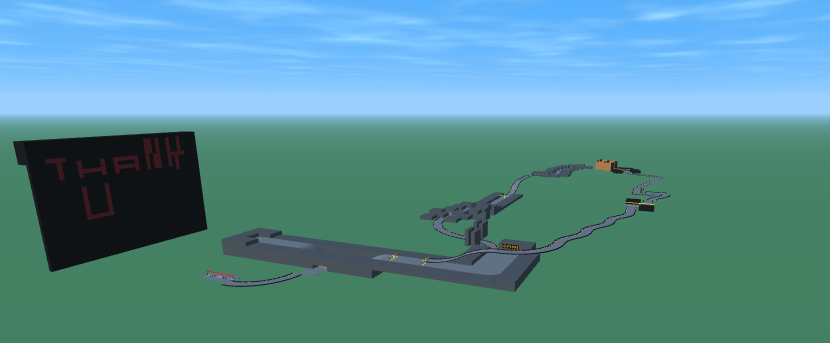
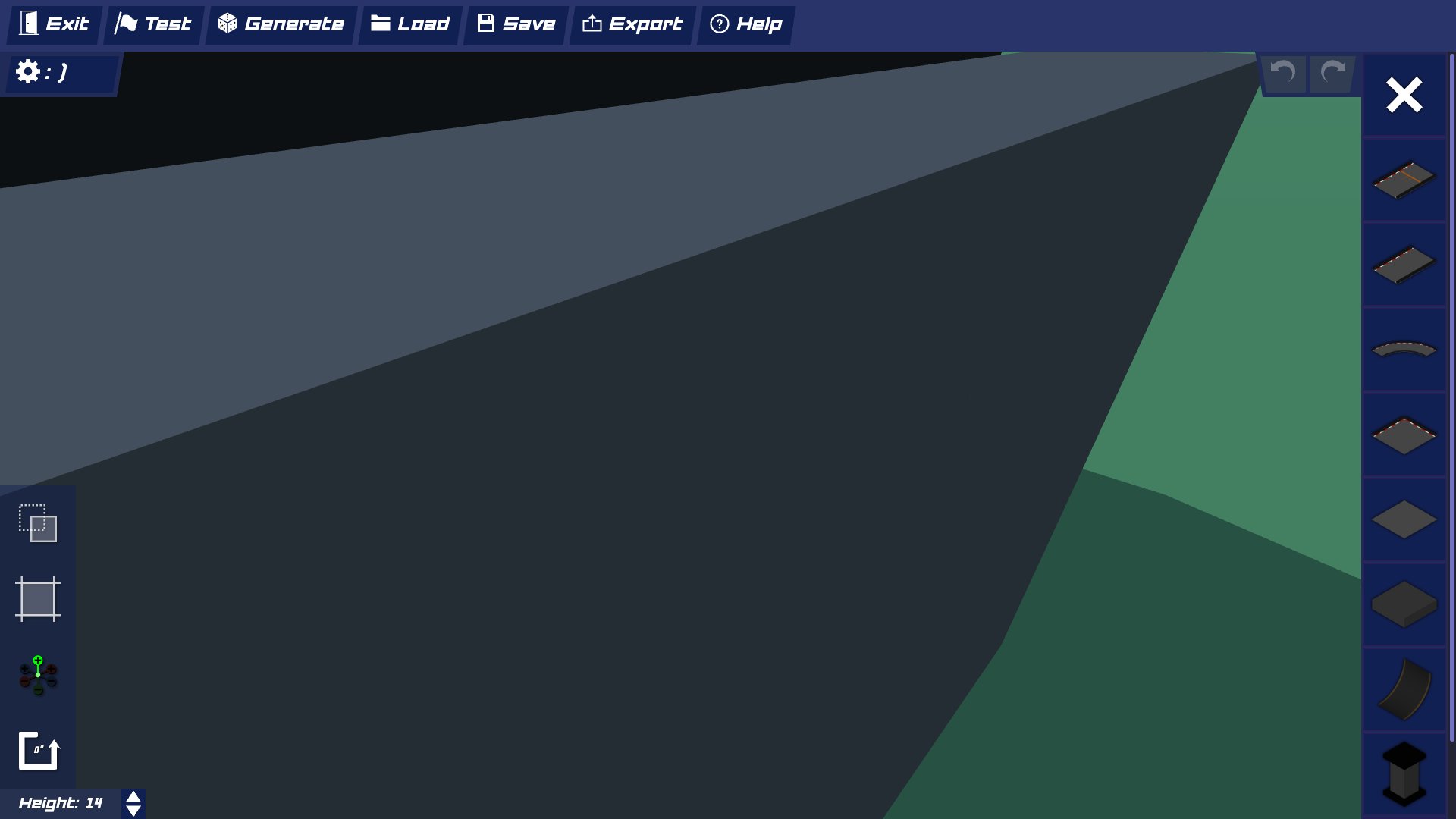
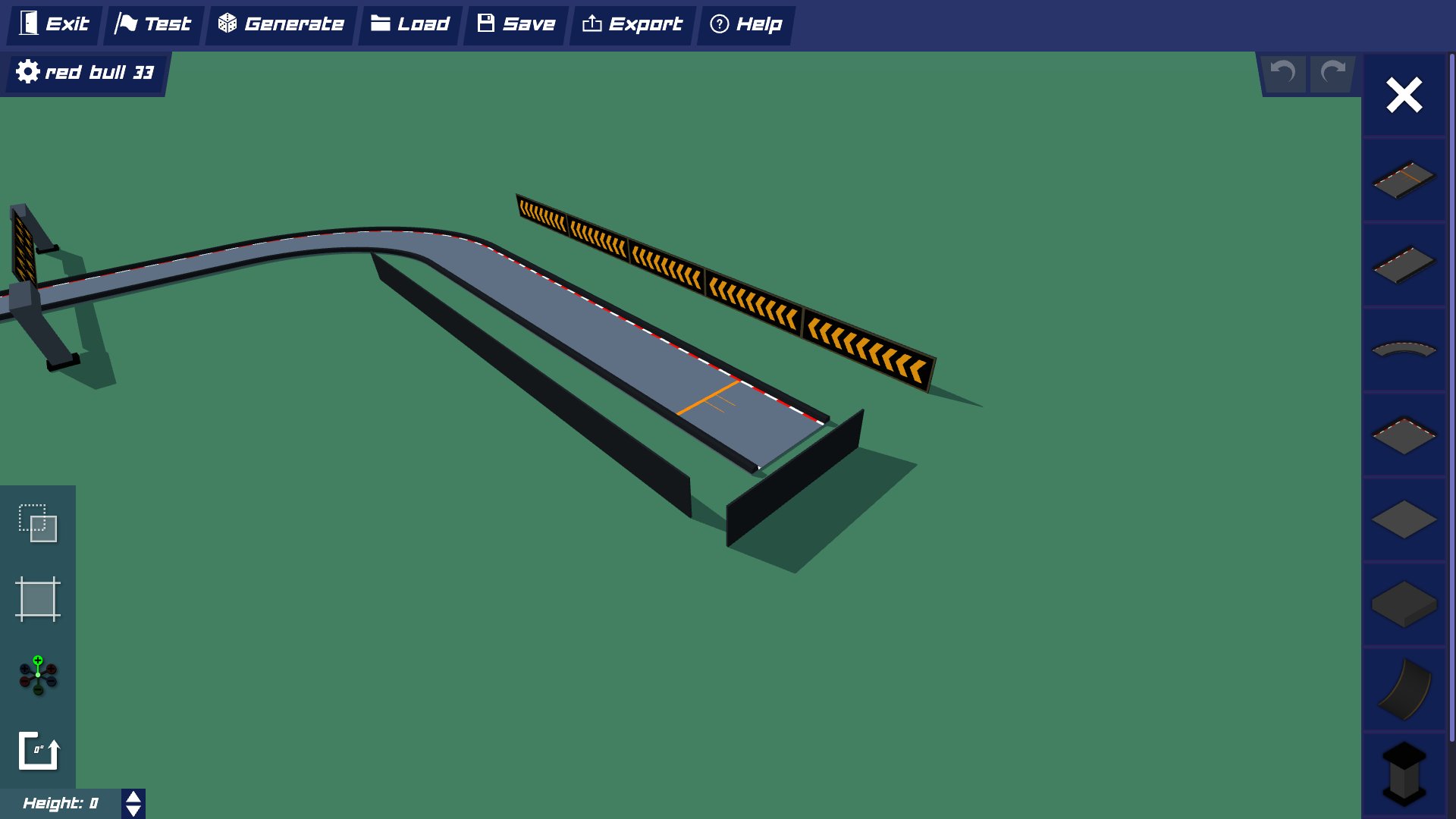
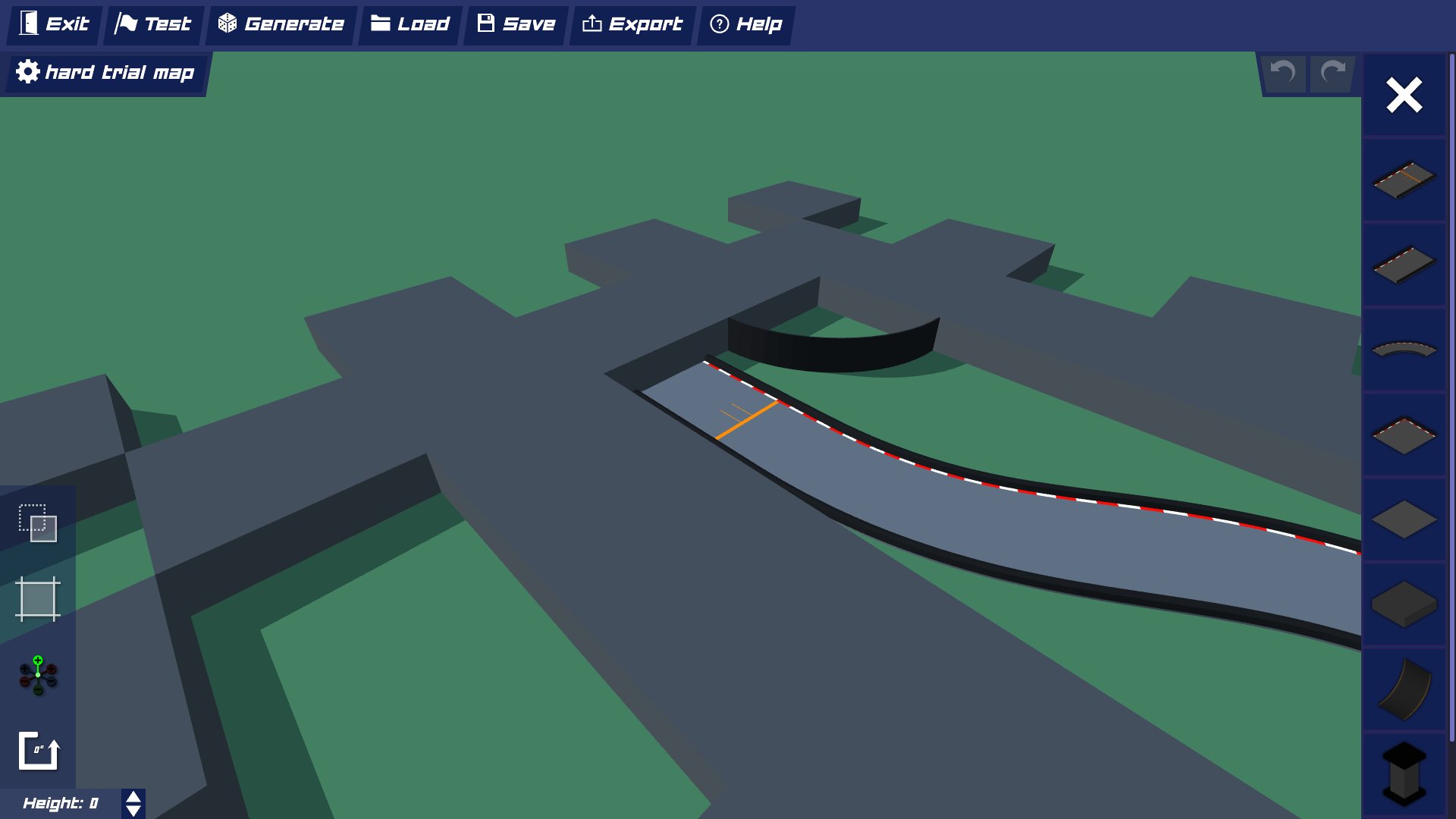
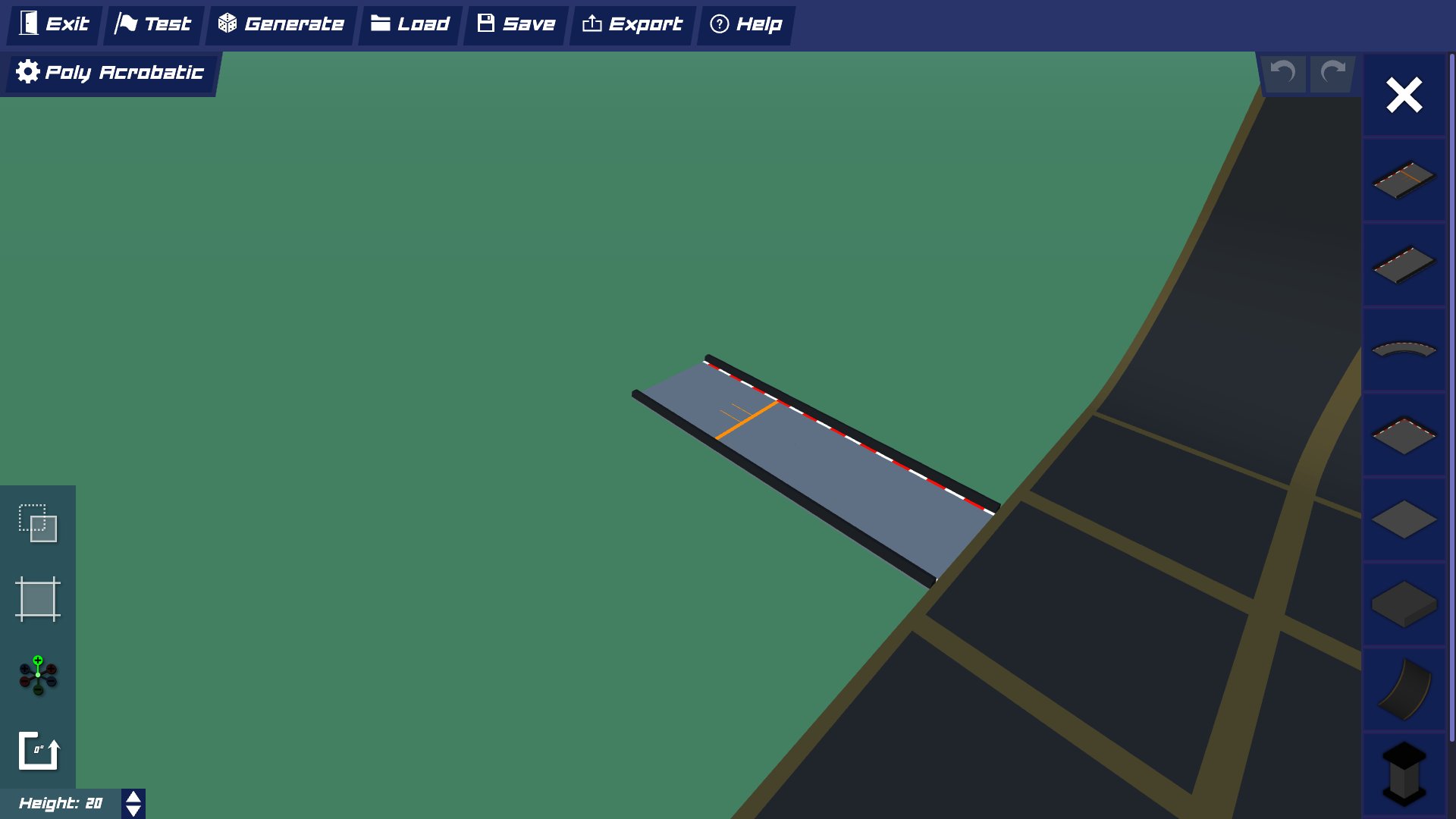
PolyTrack is an exciting browser-based 3D racing game that combines the thrill of high-speed driving with unlimited creative freedom. Unlike traditional racing games, PolyTrack empowers players to design, build, and share their own custom race tracks using an intuitive in-game editor.
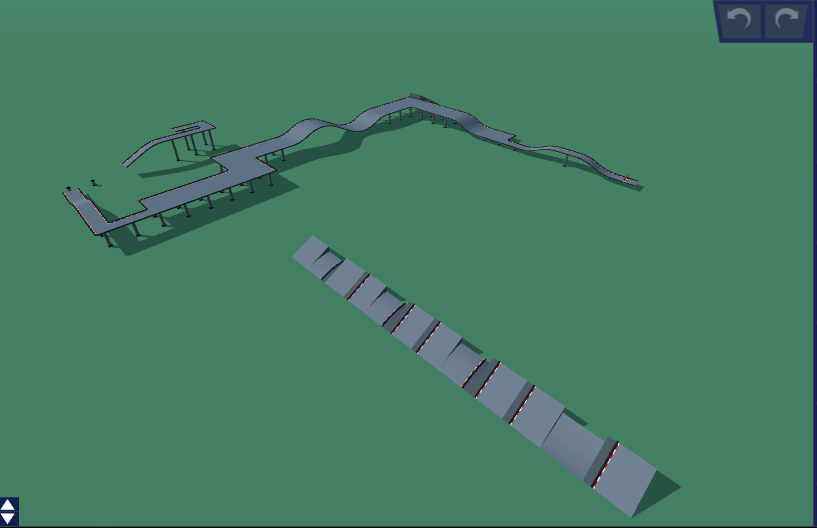
The game features smooth physics-based gameplay, stunning low-poly graphics, and a vibrant community of creators who constantly push the boundaries of track design. From simple beginner-friendly courses to mind-bending expert challenges with loops, jumps, and impossible geometry, PolyTrack offers endless variety and replayability.
Browser-Based
Play instantly in your browser - no downloads or installations required
Physics-Based
Realistic driving physics that rewards skill and precision
Community-Driven
Player-created tracks reviewed and organized for easy browsing
What are PolyTrack Codes?
PolyTrack codes are special text strings that contain all the information needed to recreate custom tracks. When you create a track in PolyTrack's editor, the game generates a unique code that encodes the track's layout, obstacles, checkpoints, and visual elements.
Think of track codes as DNA for custom maps - they're compact, shareable, and can be copied and pasted to instantly import amazing creations from other players. This code-based sharing system makes it easy to discover and play community-created tracks without any complex file transfers or mod installations.
How Track Codes Work
- 1Browse our collection and find a track that interests you
- 2Click the "Copy Code" button to copy the track code to your clipboard
- 3Open PolyTrack in your browser and navigate to the track editor
- 4Paste the code into the import field and hit enter - the track loads instantly!
Why Choose PolyTrackCodes.com?
A focused community library for finding and importing PolyTrack custom track codes
Reviewed Community Library
Hundreds of community tracks organized from beginner-friendly routes to expert challenges. New submissions are added after review.
Instant Access
One-click copy buttons make it effortless to grab any track code. No registration and no sign-up needed to browse or copy.
Manually Reviewed
Every submission is reviewed by hand before it goes live. Broken codes, duplicates, and low-effort tracks are turned away.
Smart Organization
Filter by difficulty and category, sort by newest or most used, and search by title, author, or tag.
Usage Stats
Copy counts show which tracks other players actually load, so the most-played creations are easy to find.
Active Community
Submit your own tracks, suggest corrections, and help improve the collection for other PolyTrack players.
Frequently Asked Questions
Everything you need to know about PolyTrack codes
Is PolyTrack the same game as Poly Track?
Yes. The official name is PolyTrack (one word), but many players search for it as 'Poly Track' with a space — it's the same free browser racing game by Kodub. PolyTrackCodes.com is a community library of custom track codes for that game, with every submission reviewed before publication.
How do I use a PolyTrack code?
Using a PolyTrack code is simple: 1) Find a track you like on our website and click the 'Copy Code' button. 2) Open the official PolyTrack game in your browser (kodub.itch.io/polytrack, or use our Play page). 3) Click the track editor/import option in the game menu. 4) Paste the code into the import field and press Enter. 5) The track loads instantly and you can start playing!
Are these codes safe to use?
Yes, absolutely! PolyTrack codes are completely safe. They only contain track layout data and cannot execute any harmful code or access your device. Every track on our platform is manually reviewed to ensure quality and safety. The codes are simply text strings that the game interprets to recreate the track design.
Do I need to create an account?
No account is needed. You can browse and copy the published track library for free, with no registration. Submitting your own track uses a short form on our submit page — no sign-up required.
Can I submit my own tracks?
Absolutely! To submit your track: 1) Create it in PolyTrack's editor. 2) Export the track code. 3) Visit https://www.polytrackcodes.com/submit. 4) Send the requested track details and code. Each submission is reviewed before publication; timing depends on the review queue.
Are all tracks completely free?
Yes! Every single track on PolyTrackCodes.com is 100% free to access and use. We believe in keeping the PolyTrack community open and accessible to everyone. There are no premium tracks, no paywalls, and no hidden fees.
How often are new tracks added?
We add new tracks regularly as new codes are reviewed, categorized, and described. Check the 'Latest Tracks' section on the homepage to see the most recent additions.
What difficulty level should beginners try?
If you're new to PolyTrack, we recommend starting with 'Easy' or 'Medium' difficulty tracks. These will help you learn the basic driving physics and controls, understand how checkpoints and track layouts work, and build confidence before tackling harder challenges. Once you're comfortable, try 'Hard' tracks, and eventually work your way up to 'Expert' and 'Impossible' challenges!
Can I play PolyTrack on mobile devices?
PolyTrack is primarily designed for desktop browsers and works best on computers. While some mobile browsers may support the game, the experience can be limited due to touch controls and performance constraints. For the best experience, we recommend playing on a desktop or laptop computer with a keyboard.
Can I play PolyTrack in the browser without downloading it?
Yes. PolyTrack runs directly in your browser through its official itch.io hosting — there's nothing to download or install. You can launch it from our Play page at https://www.polytrackcodes.com/play-unblocked. If you're on a school or workplace network, always follow its acceptable-use policy and only play where games are permitted.
Why isn't my track code working?
If a track code isn't working, try these troubleshooting steps: 1) Make sure you copied the entire code without any extra spaces or characters. 2) Verify you're using the latest version of PolyTrack. 3) Try pasting the code in a text editor first to check for formatting issues. 4) Clear your browser cache and try again. 5) If the issue persists, contact us through our contact page and we'll investigate.
Share Your Creations
Built an amazing track? Share it with PolyTrack players worldwide.
Submit Your Track