Why 0.6.0 matters
PolyTrack 0.6.0 is the current major release confirmed on the official devlog. It is not a small polish patch. It changes how players race, how creators build, and how community tracks are organized.
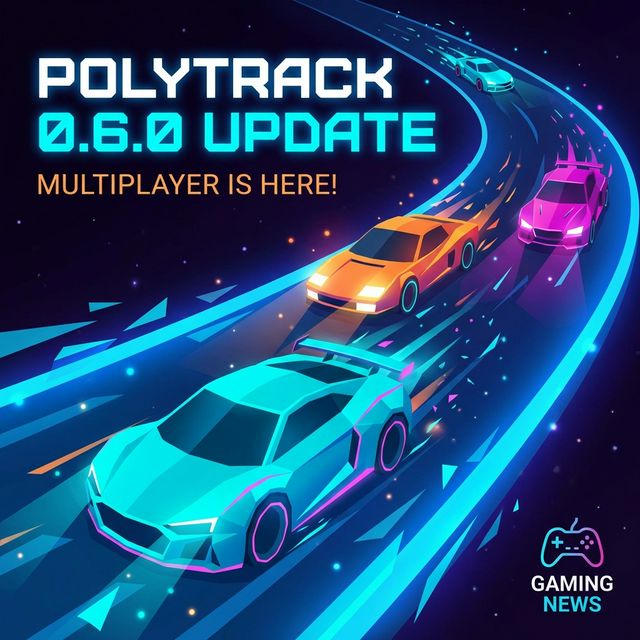
The headline additions are experimental multiplayer, more car customization, 20 new community tracks, two new official tracks, and major editor workflow upgrades.
For players: multiplayer changes the session shape
PolyTrack has always been strong as a time-trial game. Multiplayer changes the feeling of a session because you are no longer only chasing a ghost or a leaderboard number. You can now organize live rooms, test friends on the same map, and turn short tracks into quick challenges.
Because multiplayer is still marked experimental, treat it as a feature to enjoy, not as a perfect tournament system. For serious competition, keep backup rules: agree on the track, version, restart policy, and what counts if someone disconnects.
For creators: the editor is faster
The editor changes are more important than they look. Cut, copy, and paste reduce the pain of iteration. Banked road pieces, longer S-curves, Y-intersections, wall slopes, and vertical transitions give creators more ways to build tracks that feel intentional instead of improvised.
The most practical change is speed. A creator can now duplicate a tested section, adjust it, and compare versions. That makes better tracks more likely because iteration is less annoying.
For racers: official tracks changed
0.6.0 updated many official tracks. Some changes are small, but they matter for leaderboard players because route memory can change. Summer 3 gained more room for a checkpoint. Winter 1 received longer turns to improve racing line flow. Winter 3 had a tunnel skip fixed.
If you learned an older line, do not assume it still works. Re-run the track slowly once before chasing old times.
For community players: track browsing is better
The update added 20 community tracks and changed how community tracks are grouped. That matters because discovery is part of PolyTrack's appeal. Players do not just want "more maps." They want a reason to try the next one.
This is also where a curated site can help. A raw list is useful, but a good article explains why a track is worth importing, what skill it teaches, and who should avoid it.
What to do after updating
- Recheck your favorite official tracks.
- Try one multiplayer room with a short, readable map.
- Open the editor and test copy/paste on a small repeated section.
- Browse the new community tracks by difficulty, not only by name.
- If a run feels different, assume the route may have changed before blaming your controls.