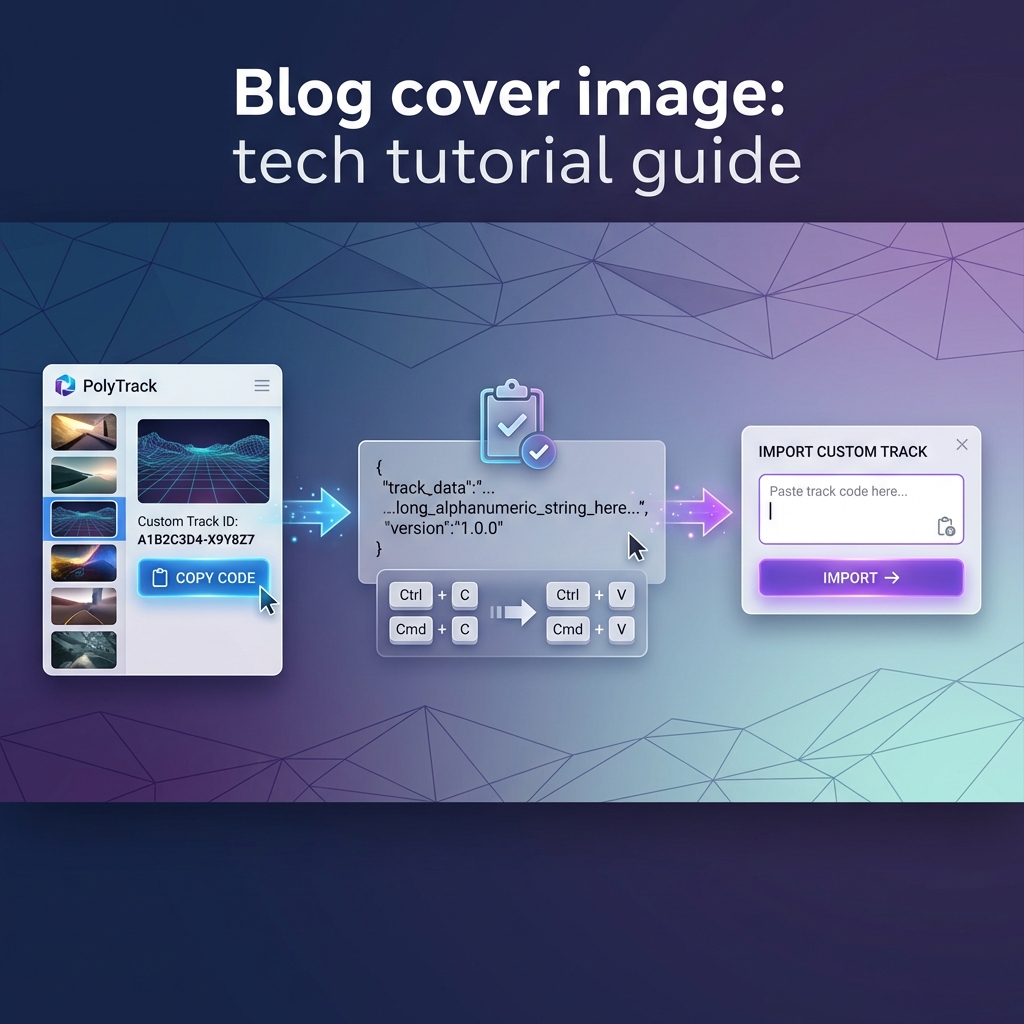
The short answer
PolyTrack 0.6.2 is a small but important stability update released on May 31, 2026. It does not add a new headline mode like 0.6.0 did. Instead, it cleans up problems that appeared after the multiplayer era began, especially around one community track, error handling, editor camera movement, touch controls, and rare physics initialization issues.
The official note says 0.6.2 is compatible with 0.6.0 and 0.6.1, so updating is optional but recommended. In plain terms: your game should still work if you are on 0.6.0 or 0.6.1, but 0.6.2 is the safer version to use now.
0.6.0 brought the multiplayer era. 0.6.1 and 0.6.2 are about making that era more reliable.
What changed in PolyTrack 0.6.2?
Here is the practical version of the official 0.6.2 patch.
| Area | What changed | Why it matters |
|---|---|---|
| Community Track Natsu | Hidden finish line removed | The track should be fairer and less confusing |
| Natsu leaderboard | Leaderboard reset | Old records no longer match the revised layout |
| Desktop error screen | Reload button changed to Quit | A desktop app should exit cleanly when recovery is not useful |
| Editor camera | Camera can now lower properly | Builders get the intended vertical view range again |
| Touch controls | Hidden correctly during loading screens | Mobile and tablet players see less UI clutter during loading |
| Physics startup | Rare early-input error fixed | The car should fail less often before the physics simulation is ready |
| News popup | Image no longer preloads unnecessarily | Small load polish, especially useful on slower devices |
This is the kind of update that can look boring in a headline but still matter in daily play. PolyTrack is a precision racing game. A hidden finish line, a stuck camera, or a rare physics startup error can ruin trust faster than a missing feature.
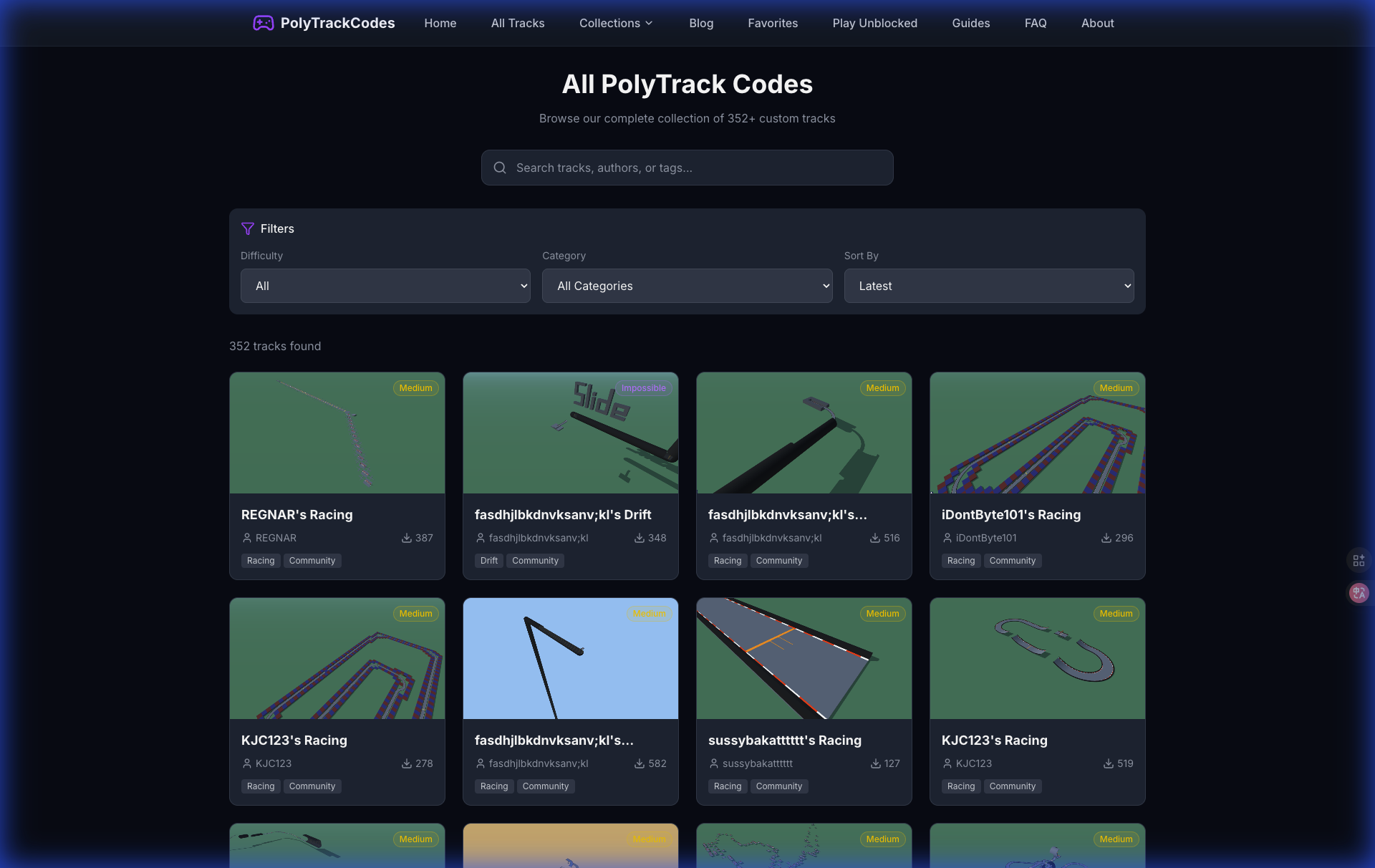
The biggest player-facing 0.6.2 change is about a community track, not a new mode.
The Natsu change is the one racers should notice first
The most visible 0.6.2 change is to the community track Natsu. Kodub changed Natsu to remove a hidden finish line, and the leaderboard for that track was reset because old times no longer represent the same challenge.
That reset is the correct trade-off. If a track layout changes in a way that affects how a run finishes, old records become hard to compare. A leaderboard should reward the current route, not a previous version of the route.
For players, the advice is simple:
- If you had a Natsu time before 0.6.2, treat it as historical.
- Re-run the track after updating.
- Do not compare old Natsu clips to new Natsu leaderboard times.
- If you curate track lists, mention that Natsu changed in 0.6.2.
For creators, Natsu is also a useful warning. Hidden finishes can be clever once, but they are risky when a track becomes competitive. If a finish line feels like a trick rather than a readable endpoint, players may see it as unfair instead of creative.
0.6.2 is the cleanup after 0.6.1
To understand 0.6.2, you need the update right before it. PolyTrack 0.6.1 arrived on May 26, 2026, and it was the larger post-0.6.0 follow-up. It added several quality-of-life changes after multiplayer launched.
The most important 0.6.1 additions were:
- Leaderboards now show the date a record was set.
- Multiplayer clients can create invites, not only the host.
- Tracks can be deleted from the leaderboard screen.
- The game can auto-detect language from browser settings.
- CrazyGames and Poki logged-in nicknames can be set automatically.
- First launch starts Summer 1 automatically.
- Error screens gained reload and reset-settings buttons.
- 10 community tracks were added: Apostle, Stardust, Overclocked, Amberbound, The Eldritch Estate, Star Bound, Natsu, Lenore, Sandy lanes II, and Planet 97.
0.6.2 then narrowed the focus. It did not try to add another wave of content. It fixed the points where 0.6.1 and the multiplayer-era game could still feel rough.
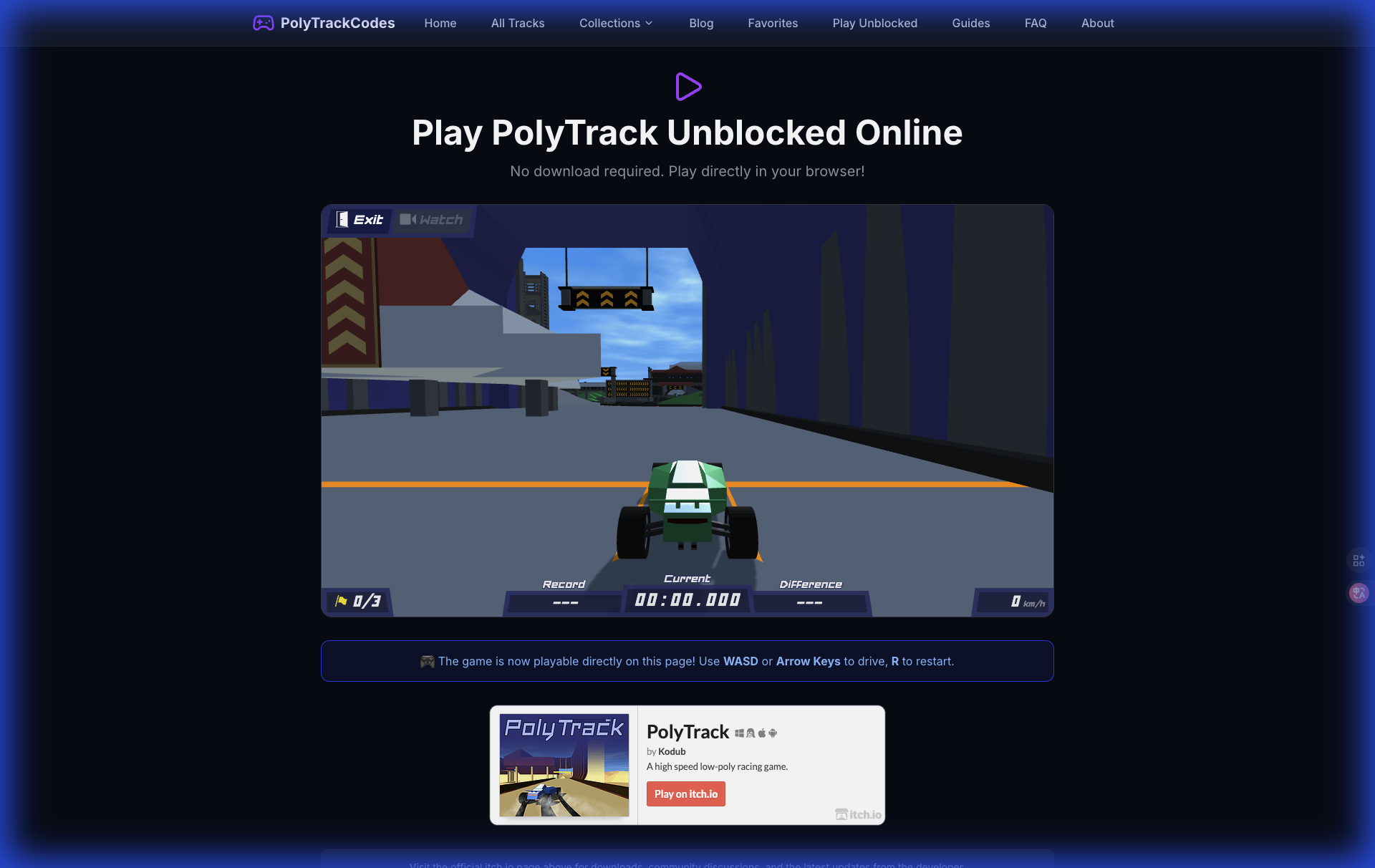
After live racing arrived, smaller fixes started to matter more because more players are sharing the same session and leaderboard context.
What changed after multiplayer?
The real story is not just 0.6.2. It is how PolyTrack changed after multiplayer arrived in 0.6.0.
Before multiplayer, most problems were personal. If a track loaded strangely, a ghost felt odd, or a setting was inconvenient, it mainly affected your solo session. After multiplayer, small friction becomes social friction. Invites, names, loading, error recovery, and leaderboards all carry more weight.
That is why the 0.6.1 and 0.6.2 fixes cluster around these themes:
| Theme | Examples from 0.6.1 and 0.6.2 | Player impact |
|---|---|---|
| Multiplayer flow | Clients can create invites; matchmaking reliability fixes; warning moved | Rooms should be easier to organize |
| Leaderboard trust | Record dates visible; Natsu reset after layout change | Records are easier to interpret |
| Error recovery | Reload, reset settings, Quit button changes | Failed sessions are easier to recover from |
| Device polish | Touch controls hidden during loading; Android rotation support | Mobile and tablet play feels cleaner |
| Editor reliability | Large-track editing lag optimized; camera lower-range fix | Builders get fewer workflow interruptions |
| Loading performance | Official tracks no longer preload; news popup image not preloaded | The game wastes less work on startup |
The pattern is clear: PolyTrack is moving from "a clever browser racing game with a great editor" toward "a live community game where stability and clarity matter."
Leaderboard dates are a bigger deal than they sound
0.6.1 added the date a record was set to the leaderboard. This is one of the most useful small changes in the entire 0.6.x line.
A record date helps answer questions players actually ask:
- Was this record set before or after a track changed?
- Is this time from the current route?
- Did a new strategy appear recently?
- Is an old time still relevant after a patch?
- Are players actively competing on this track now?
This matters for articles, too. If you write about a fast route, you should care when that route was proven. For PolyTrackCodes, record dates make it easier to explain whether a track is actively competitive or mostly historical.

Record dates make replays and leaderboard research easier to interpret.
What should players do after updating?
Use this checklist if you are moving from 0.6.0 or 0.6.1 to 0.6.2.
- Re-run Natsu if you care about that leaderboard.
- Check whether your favorite community tracks still feel the same.
- Try a multiplayer invite as a non-host, because 0.6.1 changed invite creation.
- Open the editor and test camera height on a tall or vertical build.
- If you play on mobile, check loading screens and touch control behavior.
- If the game fails to load, use the newer error screen options before clearing everything manually.
- For downloaded versions, use the official 0.6.2 files from itch.io.
This is not a "learn the game again" update. It is a "clean up your assumptions" update.
What should track creators do?
Creators should treat 0.6.2 as a reminder to test finish logic and camera readability.
Hidden endpoints, unusual finish triggers, and unclear final approaches can make a track memorable, but they also make the leaderboard fragile. If a route depends on players discovering something invisible, it may not age well once the track becomes popular.
Creators should check:
- Can a first-time player understand where the finish is?
- Does the track still work if the player approaches the finish at a different angle?
- Would a leaderboard reset be needed if this trick changed later?
- Does the editor camera give you enough room to inspect vertical sections?
- Does the track remain readable in multiplayer, where players have less patience for guesswork?
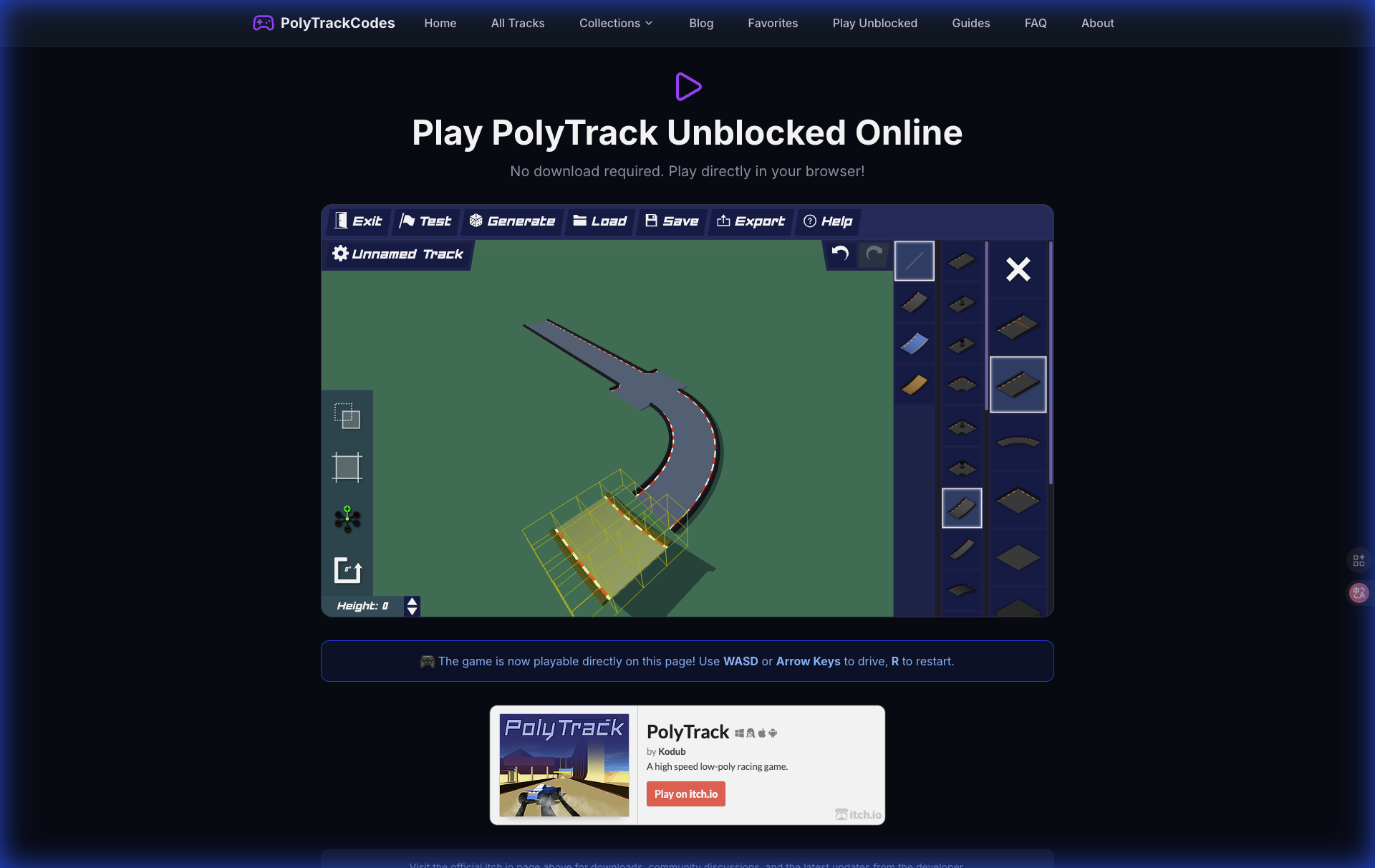
For creators, 0.6.2 is mostly about trust: clear finishes, stable editing, and fewer surprises.
Is 0.6.2 worth updating to?
Yes. 0.6.2 is worth updating to because it is compatible with 0.6.0 and 0.6.1 and fixes problems without forcing a major playstyle change.
Update immediately if:
- You play Natsu.
- You build tall or vertical tracks.
- You use touch controls.
- You play the downloaded desktop version.
- You care about cleaner error handling.
You can treat it as optional if:
- You only play casual browser laps.
- You do not touch Natsu or the editor.
- Your current 0.6.1 setup is stable.
Even then, the better default is to update. Small stability patches matter more in games where one failed load, one broken finish, or one confusing leaderboard can waste a whole session.
FAQ
Is PolyTrack 0.6.2 a major update?
No. PolyTrack 0.6.2 is a bug-fix and polish update. The major multiplayer update was 0.6.0, while 0.6.1 added more quality-of-life changes and community tracks.
Does PolyTrack 0.6.2 change multiplayer?
0.6.2 itself does not add a major multiplayer feature. The broader 0.6.x line did improve multiplayer after launch, especially in 0.6.1, where clients gained the ability to create invites and matchmaking reliability was improved.
Why was the Natsu leaderboard reset?
Natsu was changed to remove a hidden finish line. Because that change affects how the track can be completed, the old leaderboard no longer matched the revised version, so the reset makes the competition cleaner.
Should creators rebuild old tracks for 0.6.2?
Most creators do not need to rebuild old tracks. The main lesson is to check finish readability, vertical camera inspection, and whether hidden tricks make the track harder to judge competitively.
What version should new players use?
New players should use the current official 0.6.2 version from the official PolyTrack itch.io page or a trusted official platform. It includes the latest 0.6.x fixes without changing the core 0.6.0 feature set.
Recommended next reads
- PolyTrack 0.6.0 Update Guide
- PolyTrack Multiplayer Guide
- PolyTrack Track Codes: Import, Share, and Fix Broken Codes
- Where to Play PolyTrack Safely in 2026