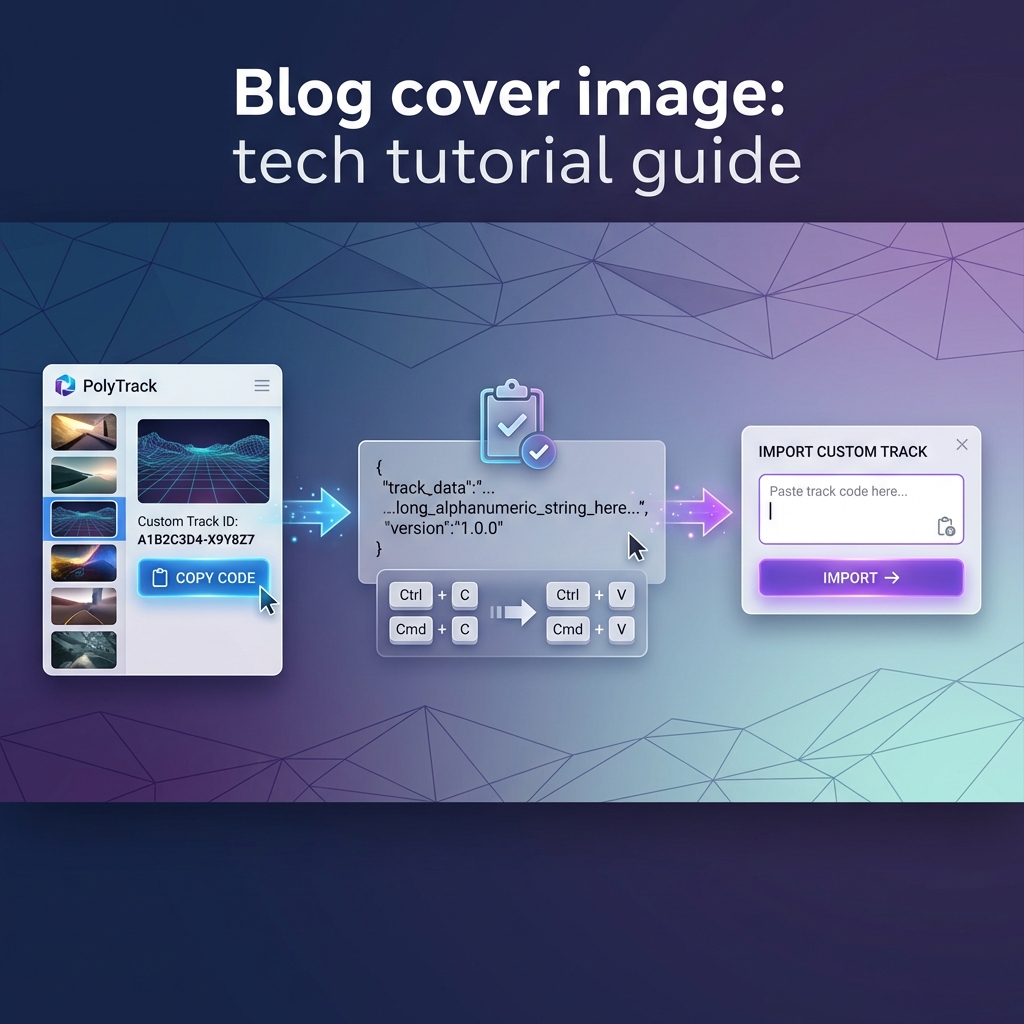
The short answer
The safest place to play PolyTrack is the official PolyTrack itch.io page. That page is maintained by Kodub, the creator of the game, and it currently lists browser play plus downloadable builds for Windows, macOS, Linux, and Android.
If itch.io does not load on your network, the next safest public option is PolyTrack on CrazyGames, which Kodub announced as an official supported platform in the PolyTrack devlog. Use fan mirrors only when you understand what they are: unofficial copies that may be outdated, modified, overloaded with ads, or missing important updates.
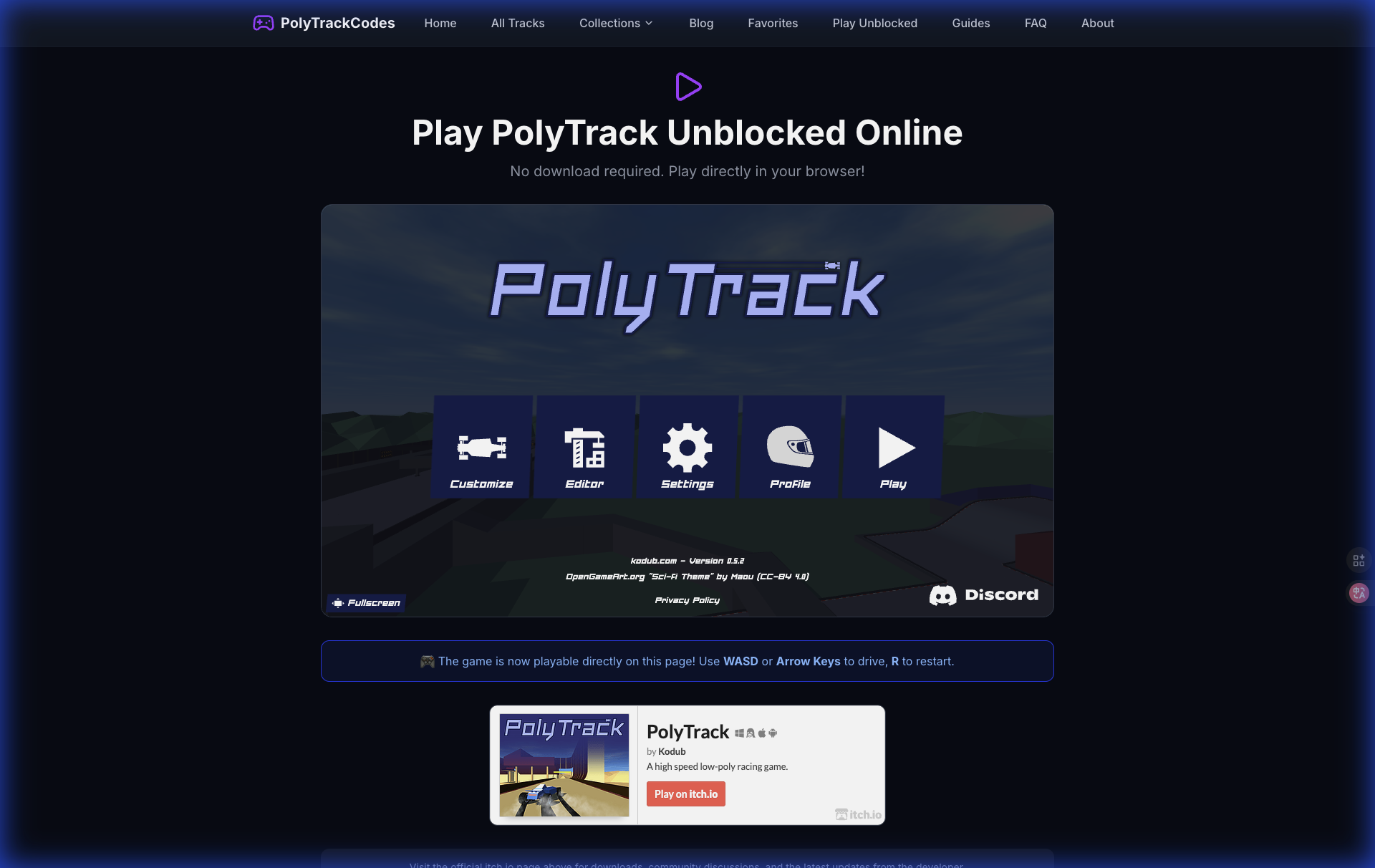
Start from a trusted PolyTrack page before copying codes, entering names, or downloading files.
Safe PolyTrack link checklist
Before you open a PolyTrack link from Google, Reddit, Discord, a school document, or a Google Sites page, check these signals.
| Signal | Safe sign | Risk sign |
|---|---|---|
| Source | Official itch.io, Kodub-linked page, or known game portal | Random mirror with no creator info |
| Download prompt | Optional download from the official itch.io page | Forced installer, browser extension, or unknown APK |
| Game version | Mentions recent PolyTrack versions such as 0.6.x | Old copy with no version context |
| Ads | Normal page ads around the game | Fake start buttons or popups blocking the game |
| Track codes | Plain text codes and clear instructions | Files, scripts, or login walls for basic codes |
| Community links | Discord, Reddit, itch.io community, or PolyTrackCodes | Spam pages promising cheats or hacks |
PolyTrack track codes are just text used to import custom maps. You should not need to install anything, give a password, or run a file just to use a track code.
Best places to play PolyTrack in 2026
1. Official itch.io page
Use the official itch.io page first whenever possible. It is the cleanest source for the current game, downloads, community posts, and devlogs. As of June 2026, the page lists v0.6.2 downloads for desktop platforms and Android, while the browser version still runs directly on the page.
Best for:
- Playing the official browser version.
- Checking the latest update notes.
- Downloading desktop or Android builds.
- Finding the official community and devlog links.
Potential issue: itch.io can be blocked on some school or work networks. If that happens, do not chase every mirror in search results. Use a known alternate platform or play later on a network where the official page is available.
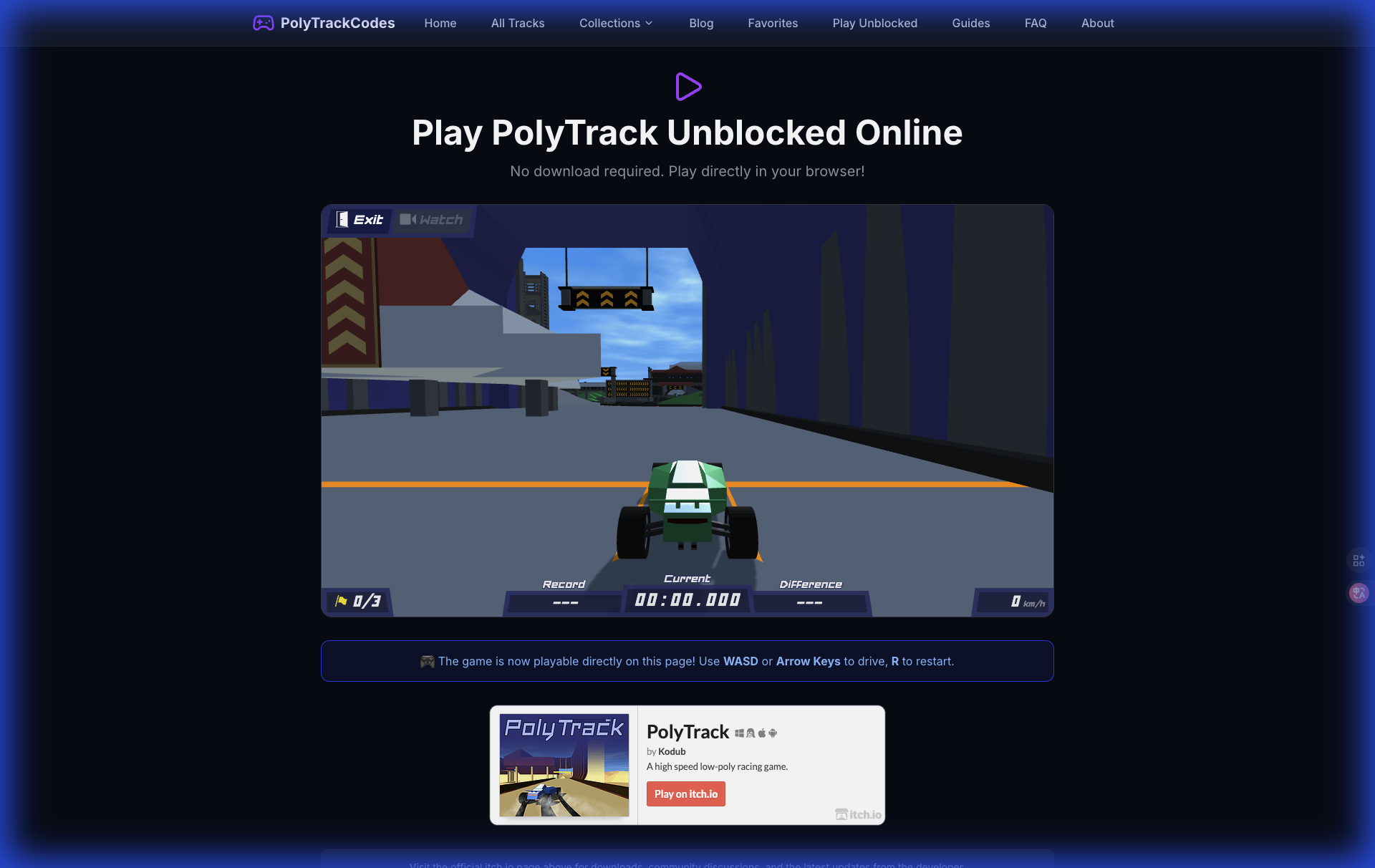
The official game is still the reference version for controls, physics, editor behavior, and updates.
2. CrazyGames
CrazyGames is a safer alternate because Kodub announced PolyTrack there in an official devlog. It is also useful for players who prefer game-portal hosting or cannot open itch.io on a given device.
Best for:
- Quick browser play.
- A familiar game-portal experience.
- Players who want a public alternate to itch.io.
Potential issue: the CrazyGames version may include ads around the experience because that was part of the official announcement. Ads are not automatically unsafe, but avoid fake download buttons or misleading popups on any site.
3. PolyTrackCodes play page
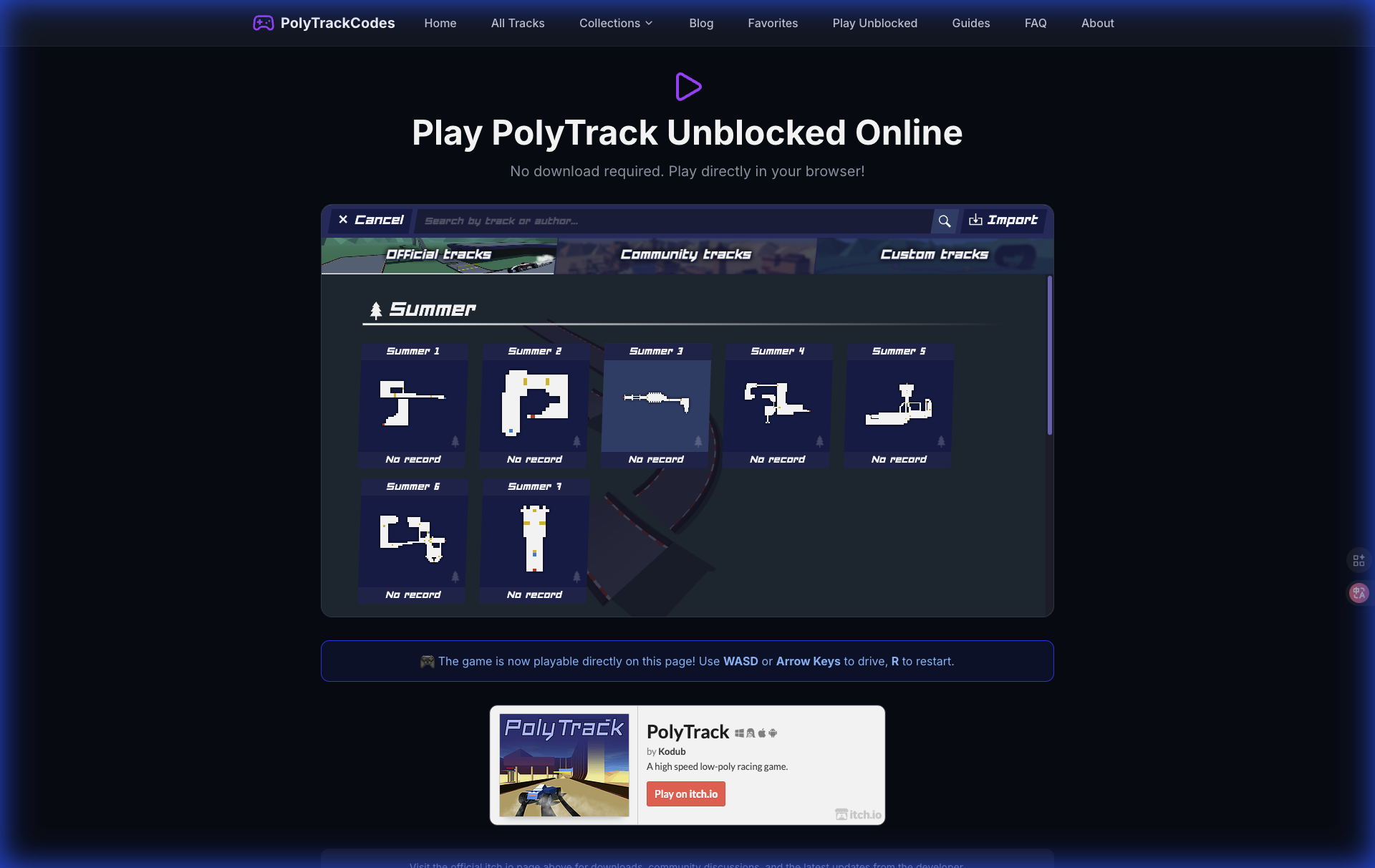
Our Play PolyTrack Online page points players toward the official game and helps connect the game with our track-code library. Use it when you want to open the game and then import community tracks from the same site.
Best for:
- Finding the game and custom tracks together.
- Moving from a track page to the playable game.
- New players who need guidance before importing codes.
Potential issue: PolyTrackCodes is a fan resource, not the official developer page. For the latest game build, patch notes, and downloads, the official itch.io page remains the source of truth.
What about Google Sites, GitHub, Classroom 6x, and unblocked mirrors?
Many players search for PolyTrack Google Sites, PolyTrack GitHub, Classroom 6x PolyTrack, or PolyTrack unblocked mirrors because the official page may be blocked on school networks. These pages can be convenient, but they are usually unofficial.
That does not mean every mirror is malicious. It does mean you should treat mirrors as convenience copies, not as trusted sources. A mirror can be behind on updates, have broken storage, remove official links, add extra ads, or host a modified game without explaining what changed.
Use this rule: play mirrors only for casual browser access, never for downloads or account information.
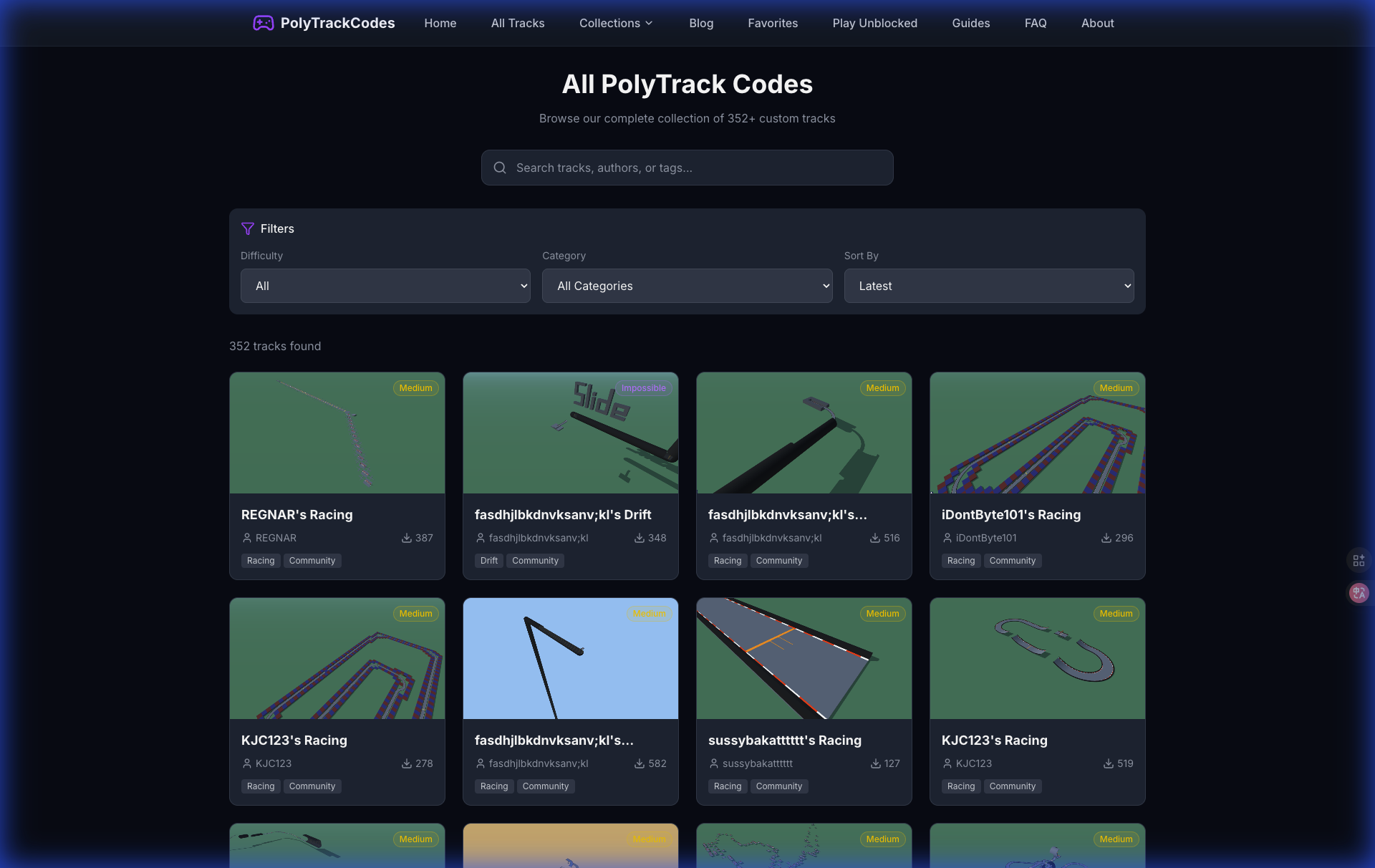
A safer route is to use mirrors only for playing, then rely on a dedicated track library for finding and saving good maps.
How to use PolyTrackCodes safely with the game
PolyTrackCodes does not require you to download a file to try a track. Open a track page, review the screenshot and difficulty, copy the track code, then paste it into PolyTrack through the import flow.
The safest workflow is:
- Open the official game or a trusted browser version.
- Browse PolyTrack custom tracks on PolyTrackCodes.
- Pick a track with a clear title, screenshot, and difficulty.
- Copy the complete code from the track page.
- Paste it into the game import window.
- Save the track only if it loads correctly and feels worth replaying.
Use the in-game import option for track codes. A normal code should paste as text, not as a file.
When should you download PolyTrack?
Most players should start with the browser version. Download only when you want a local copy, better availability, or a platform-specific build from the official itch.io page.
Download from official itch.io when:
- You want the Windows, macOS, Linux, or Android version.
- Your browser struggles with performance.
- You want to keep playing even when browser access is unreliable.
- You are comfortable managing local game files.
Avoid downloads when:
- A random site forces an installer before letting you play.
- The file name does not match the official platform builds.
- A page asks you to install a browser extension.
- The site promises cheats, unlocked premium features, or impossible performance boosts.
PolyTrack is already free. Any page that makes the game feel locked behind an installer is a red flag.
Safe play on school or shared devices
PolyTrack is popular on Chromebooks and school devices because it runs in a browser. Still, safe access is not the same as bypassing rules. If a school or workplace blocks a site, follow the network policy. Do not install unknown files, VPN tools, or extensions just to play a browser game.
For shared devices, keep it simple:
- Use browser play instead of downloads.
- Avoid entering personal information.
- Do not save passwords on game or mirror sites.
- Close misleading ad tabs immediately.
- Use track codes from pages that show screenshots and descriptions.
- Prefer short play sessions on trusted pages instead of chasing risky mirrors.

On school or shared hardware, the safest setup is browser-only play with no installers or extensions.
How to spot a bad PolyTrack page
Leave the page if you see any of these warning signs:
- It says you must install a launcher before playing.
- It offers PolyTrack hacks, coin generators, or cheat files.
- It hides the game behind several fake start buttons.
- It asks for a Google login just to play a public copy.
- It downloads a file automatically.
- It uses the PolyTrack name but has no link back to Kodub, itch.io, or a known platform.
- It rewrites track-code instructions into something that requires scripts or unknown files.
A real PolyTrack page should feel boring in a good way: open page, run game, import code, race.
FAQ
What is the safest PolyTrack website?
The safest PolyTrack website is the official itch.io page by Kodub. CrazyGames is also a safer alternate because Kodub announced PolyTrack there in an official devlog.
Is PolyTrackCodes an official PolyTrack site?
No. PolyTrackCodes is a fan-made track-code library and guide site. It helps players find, preview, copy, and understand custom tracks, but the official game and downloads come from Kodub's official PolyTrack page.
Are PolyTrack unblocked mirrors safe?
Some mirrors may work for casual play, but they are unofficial unless linked by the developer or a known platform. Avoid mirrors that force downloads, ask for personal information, or hide the game behind fake buttons.
Do PolyTrack track codes contain viruses?
Normal PolyTrack track codes are text strings used by the game to recreate a map. They should not require a separate file, app, extension, or installer. If a site turns a code into a download, use a different source.
Should I download PolyTrack or play in the browser?
Start with the browser version. Download only from the official itch.io page if you specifically want the Windows, macOS, Linux, or Android build.
Recommended next reads
- Play PolyTrack Online Free
- PolyTrack Track Codes: Import, Share, and Fix Broken Codes
- How to Play PolyTrack on Chromebook, iPad & Mobile
- PolyTrack 0.6.0 Update Guide